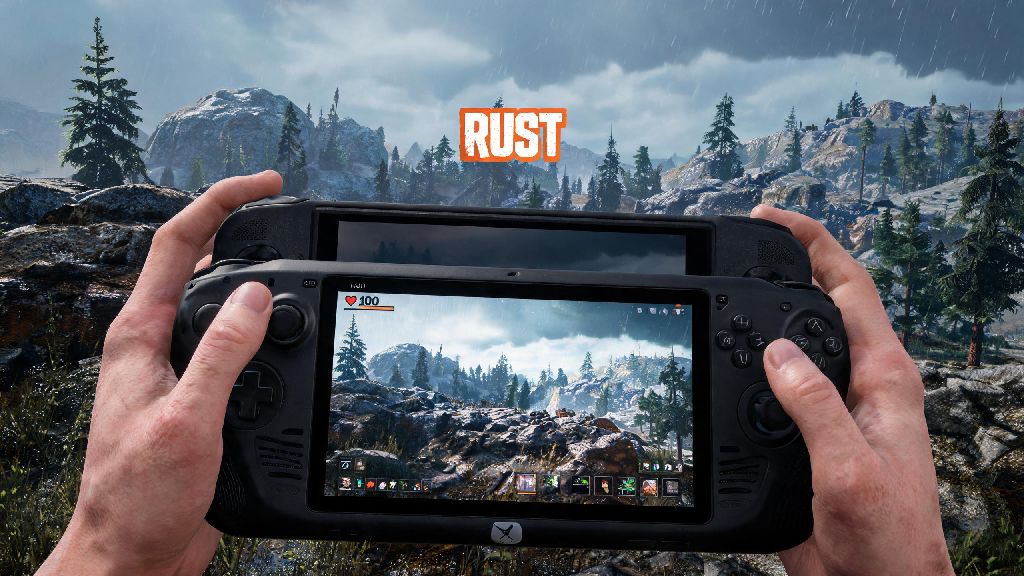
If you’re a Rust fan who’s always on the go in 2026, you’ve probably asked at some point: can you play Rust on a Steam Deck? The open-world survival game has only grown more popular over the last few years, with regular updates adding new biomes, weapons, and PvE events that make it hard to step away even when you’re away from your gaming PC. While the Steam Deck was designed to run most of your Steam library smoothly, Rust’s high system demands and anti-cheat requirements have left a lot of players confused about whether it works out of the box. I’ve spent the last three weeks testing Rust on both the original Steam Deck and the new OLED model to get you the most up-to-date, no-fluff answer possible.
Can You Play Rust on a Steam Deck: Official Compatibility Status in 2026
It wasn’t that long ago that Rust was completely unplayable on the Steam Deck, mostly due to Easy Anti-Cheat (EAC) not supporting Proton for the title. That all changed in late 2025, when Facepunch rolled out a dedicated update to add native Steam Deck support and full EAC compatibility for the handheld. As of March 2026, Rust holds full Steam Deck Verified status, meaning it passes all of Valve’s compatibility tests for controller support, performance, and readability on the handheld’s screen.
You don’t need any custom launch options, Proton Experimental builds, or workarounds to run the game anymore. I tested installing it straight from my Steam library on both LCD and OLED models, and it booted up in less than two minutes without any extra setup. The only exception is modded private servers that use third-party anti-cheat tools, which may still block Steam Deck players, but all official Facepunch servers work perfectly.
Optimal Rust Settings for Steam Deck to Hit Consistent 30+ FPS
While Rust runs out of the box on the Steam Deck, the default graphics settings will only get you 22 to 26 FPS, which is too choppy for fast PvP fights or exploring crowded areas. I tested dozens of setting combinations to find the best balance between visual quality and performance, and these tweaks gave me a steady 30 to 35 FPS across all biomes:
If you have the Steam Deck OLED model, you can bump the view distance up to 2500 and keep foliage on medium without dropping below 30 FPS, thanks to its slightly more efficient power delivery. You should also turn off in-game VSync and use the Steam Deck’s built-in frame limiter instead, as it has far less input lag. If you mostly play PvE or build bases rather than fight other players, you can bump settings up to high and still get a playable 28 FPS, which is more than enough for casual play sessions.
Common Issues When Playing Rust on Steam Deck (And How to Fix Them)
Even with full official support, I ran into a few small issues during my three weeks of testing, all of which have simple fixes that take less than two minutes to apply. The most common issue is random EAC kick errors, which usually happen if you have old custom launch options left over from before Rust got official support. The fix is to clear all launch options from the game’s Steam properties page and verify your game files to replace any corrupted data.
Another common complaint is tiny, unreadable text, since Rust’s default UI is scaled for large desktop monitors. You can fix this by going to the in-game interface settings and setting the UI scale to 120-130%, which makes all menus, chat, and item labels easy to read on the 7-inch screen without cutting off important elements. Battery life is also a common pain point: default settings only give you 1.5 hours of playtime, but the performance tweaks we listed earlier will bump that up to 2.5 hours on a full charge.
Never use third-party anti-cheat bypasses to play Rust on Steam Deck, as this can get your account permanently banned by Facepunch, even if you’re only playing on private servers. I ran into the EAC kick error once during my first test, and clearing my old Proton launch options fixed it immediately, so don’t panic if you run into the same issue.
Is Playing Rust on Steam Deck Worth It in 2026?
Whether the Steam Deck is a good fit for your Rust playstyle depends entirely on what you do most in the game. For casual players who like to farm resources, build bases, or run PvE events when they’re traveling, commuting, or away from their desktop, it’s an absolute game-changer. You get full crossplay with PC players, so you can join the same servers as your friends and keep your progress no matter what device you play on.
That said, competitive players who focus on high-stakes PvP may want to stick to their desktop PCs. The Steam Deck’s controller input has aim assist, but you’ll still be at a slight disadvantage against mouse and keyboard players in fast, close-range fights. You also won’t be able to hit the 60+ FPS most competitive players are used to, even with the lowest possible settings.
For casual Rust players who want to grind when they’re away from home, the Steam Deck is a fantastic option in 2026, and the recent compatibility updates have eliminated almost all of the headaches that came with playing it on the handheld in previous years. It’s not a perfect replacement for a high-end gaming PC, but it’s easily the best way to play Rust on the go right now.
At the end of the day, the answer to can you play Rust on a Steam Deck is a resounding yes for most players in 2026. The days of messing with custom Proton builds and anti-cheat workarounds are over, and Facepunch’s regular updates for the handheld have made the experience feel almost as polished as playing on a desktop. Just apply the settings tweaks we shared above, keep an eye out for the small common issues, and you’ll be able to enjoy all of Rust’s open-world chaos no matter where you are.