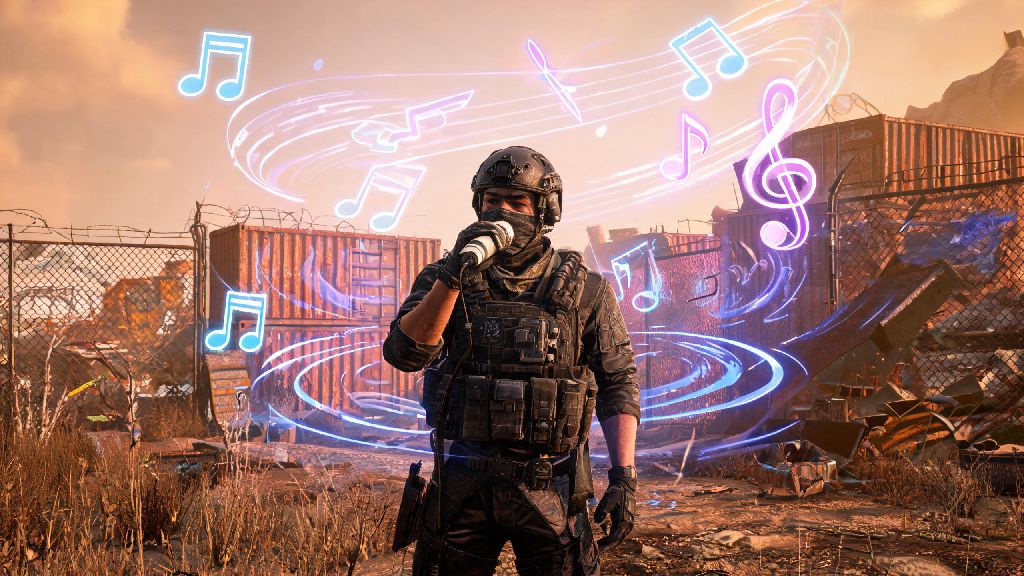
If you’ve spent any amount of time roaming Rust’s post-apocalyptic wasteland, you’ve probably run into players blaring metal tracks while raiding, playing lofi to calm base building sessions, or trolling enemies with silly sound clips mid-fight. Figuring out how to play music in Rust through mic is far simpler than most people think, and you don’t need expensive gear to pull it off. Whether you want to hype up your squad before a big raid or annoy a group of roof campers until they leave their post, this guide walks you through every safe, working method to share audio through your in-game mic.
Important Rules to Follow Before Sharing Audio In-Game
Before you start loading up your favorite tracks, there are a few ground rules you need to follow to avoid getting muted, kicked, or permanently banned from servers. I’ve seen far too many new players get hit with 24-hour bans just because they skipped this step, so don’t ignore these guidelines. Most servers have very specific rules around voice chat spam, and breaking them will cut your play session short fast.
Never share copyrighted music on public servers, especially if the server has active streamers. You can get the entire stream taken down, and most admins will ban you on the spot for causing that hassle. Always test your audio levels first on a private server with a friend to make sure your tracks are loud enough to hear but not so loud they clip or distort. Check server-specific voice chat rules before you start, as some servers ban all pre-recorded audio entirely.
How to Play Music in Rust Through Mic: 3 Working Methods
There are three main methods to share audio through your Rust mic, ranging from zero-setup free options to more customizable paid tools. Pick the one that fits your technical skill level and how often you plan to use the feature. All of these methods work with the latest version of Rust, and none require you to modify game files or use cheats that will get you VAC banned.
Stereo mix is the easiest no-cost option for Windows users. To set it up, open your Windows sound settings, navigate to the recording tab, right-click to show disabled devices, and enable stereo mix. Set stereo mix as your default input device, then open Rust and select stereo mix as your microphone in the audio settings. Any audio playing on your computer will now come through your in-game mic. The only downside to this method is you can’t talk and play music at the same time, and you can’t adjust the music volume separately from other system sounds.
Virtual audio cables give you far more control over audio levels if you want to talk and play music at the same time. You’ll need to download a free virtual audio cable tool, then route your music player output to the virtual cable, and mix it with your physical mic input using a free audio mixing tool. Once you have the mix set up, select the mixed output as your Rust mic input. This method takes 5 to 10 minutes to set up, but it lets you adjust your mic volume and music volume independently, so you can call out enemy positions while playing background tracks for your squad.
The third method is using a dedicated soundboard app, which is perfect if you want to play short sound clips instead of full tracks. Most soundboard apps let you assign hotkeys to specific clips, so you can tap a button to play a victory jingle after a raid or a silly meme sound when you kill an enemy. Many free soundboard options come with pre-loaded clips, and you can upload your own custom tracks easily. The only downside is some free soundboards have low audio quality defaults, so you’ll need to adjust the output settings to avoid distorted audio in-game.
How to Fix Common Issues When Playing Music In Rust
Even if you set everything up correctly, you might run into small issues when you first start playing audio through your mic. Most of these issues have super simple fixes, and you won’t need to reinstall any software to get things working right. I’ve run into all of these problems myself, so these fixes are all tested and proven to work.
The most common issue is audio being too quiet for other players to hear. This usually happens when your music player volume is turned down, or your Rust mic input level is set too low. Turn your music player volume up to 80% first, then adjust your Rust mic input level until your friend says the audio is clear and loud enough. Don’t turn it up all the way, or the audio will clip and sound distorted for everyone else.
Echo is another common complaint, and it’s almost always caused by using speakers instead of headphones when you play audio. Always use headphones when testing your audio setup to avoid echo, even if you’re just messing around on a private server. If you still get echo after switching to headphones, lower the gain on your virtual audio cable or soundboard to reduce background feedback.
If you keep getting auto-muted by server anti-spam tools, your audio is probably hitting the server’s maximum volume threshold. Most servers have built-in tools that mute players automatically if their mic output is too loud for more than a few seconds. Lower your overall output volume by 10% and test again, and you should stop getting auto-muted. If the problem persists, check if the server has a separate rule against pre-recorded audio that you missed.
Fun Ways to Use Music in Rust Without Annoying Other Players
Most people assume playing music through your mic is only for trolling, but there are tons of fun, friendly ways to use this feature that make the game more enjoyable for everyone. You don’t have to blast loud tracks to ruin other people’s play sessions to get value out of this setup. I’ve used all of these ideas myself, and most other players react really positively when you use audio in thoughtful, fun ways.
Playing calm lofi or instrumental tracks while you build with your squad is a great way to make long building sessions feel more relaxed. You can keep the volume low enough that you can still hear enemy calls and chat, so it doesn’t interfere with actual gameplay. A lot of groups I play with keep a soft background track running for multi-hour base builds to keep energy up without being distracting.
On roleplay servers, playing era-appropriate tracks while running a trading outpost or tavern makes the entire experience far more immersive for everyone who stops by. I’ve run a trading post where I played old folk and country tracks for people who came to trade scrap, and a lot of players would hang around just to listen and chat between raids. It’s a small touch that makes the game world feel way more lived-in.
You can also use short sound clips to make inside jokes with your squad, or play a victory track after you win a big raid to celebrate. Just make sure you turn off the music once you’re done celebrating, so you can hear if any enemies are coming to counter your raid while you’re looting.
You don’t need to be a tech whiz to pull off fun audio tricks in the wasteland, and now you have all the info you need to start experimenting. Now that you know how to play music in Rust through mic, take a few minutes to test your setup on a private server first before you bring it to a public match. It’s a small feature that can make your entire playthrough feel far more personal, whether you’re playing with long-time friends or meeting new people in the wasteland. Just remember to follow server rules, and don’t be that player who blares nonstop music that ruins the game for everyone else.