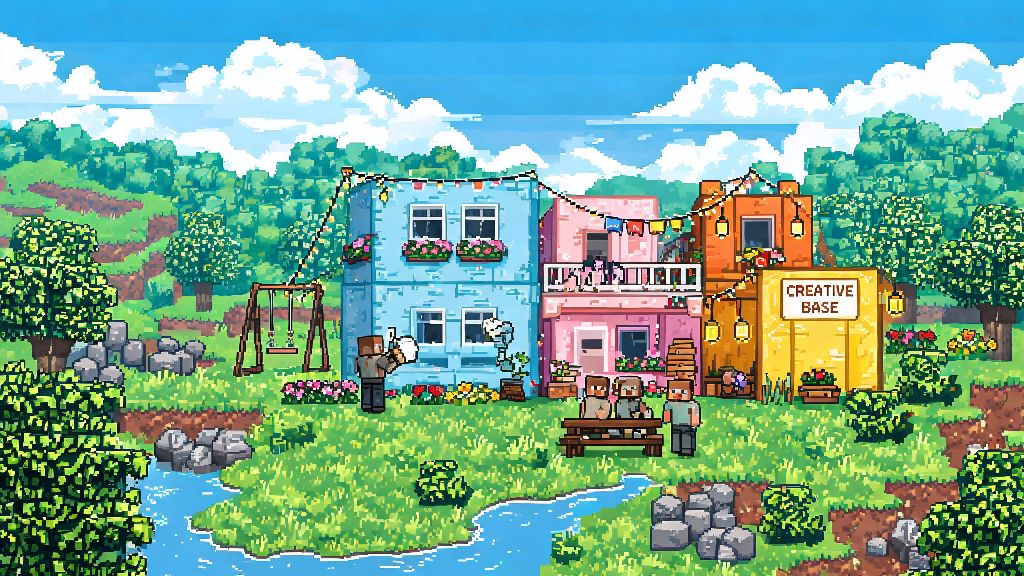
If you’ve spent hours grinding for resources in Rust only to lose your entire base to a surprise raid overnight, you’ve probably wondered if there’s a low-stakes way to enjoy the game. The good news is there is, and learning how to play Rust creative mode opens up a whole new side of the popular survival title without the constant pressure of PvP, hunger meters, or radiation damage. I still remember the first time I tried creative mode after losing a 10-hour grind base to a group of 4 raiders, and it felt like a whole new game opened up for me. I’ve spent over 300 hours messing around in creative mode to test base designs, practice raid strategies, and even build silly themed structures with friends, and it’s easily one of the most underused features for casual and competitive players alike. You don’t need any special mods or paid DLC to access it, either, as long as you’re playing on a supported server or have admin access to your own private lobby.
How to Access and Set Up Rust Creative Mode for First Use
There are two simple ways to get started with creative mode, depending on if you want to play alone or with other people. The easiest option for new players is to join a public creative server from the in-game server browser. Just open the server list, use the filter bar to search for “creative” or “build” tags, and pick a server with low ping and active players. You won’t need admin access or any special permissions to join most public creative servers, though you will have to follow the server’s specific rules for building and interaction.
If you want to play alone or host a private lobby for your friends, you can enable creative mode on your own local or hosted server. Once you have admin access, open the in-game console by pressing F1, then type creative mode 1 and hit enter to activate the feature for your account. If you want to turn it off later, just type the same command with a 0 instead of a 1. You don’t need to install any third-party mods to use official vanilla creative mode, though many community servers add extra quality of life features like custom build items or faster fly speeds. If you’re hosting your own server, you can also adjust additional settings like disabling PvP entirely or turning off weather effects to make building even easier.
Core Controls and Features You’ll Use Most in Creative Mode
If you’re used to regular survival controls, switching to Rust creative mode can feel a little disorienting at first, but you’ll get the hang of it in 10 minutes or less. The biggest difference for most new players is the fly feature, which lets you move around the map freely without walking or climbing. To activate fly mode, just double tap the space bar, use shift to fly faster, the control key to fly lower, and the WASD keys to move around as normal. Double tap space again to turn off fly mode and land wherever you are.
You’ll also have access to infinite resources and a full creative item menu, so you never have to craft or grind for materials again. Just open the item menu, search for whatever block, tool, or item you want, and add it directly to your inventory with one click. You won’t take any damage from falls, radiation, or attacks by default, and your hunger and thirst meters will stay full permanently so you don’t have to worry about surviving. If you have admin access, you can also adjust the time of day, spawn any vehicle or creature in the game, and even delete large sections of blocks in seconds to fix build mistakes fast. I always turn off rain and set the time to midday first when I’m testing base designs, because it’s way easier to see weak points in the structure when the sky is clear.
Top Ways to Use Creative Mode to Improve Your Survival Gameplay
A lot of players write off creative mode as only for casual players who don’t want to play the “real” survival version of Rust, but that’s a huge mistake. I know multiple top competitive Rust players who spend 2-3 hours a week in creative mode testing new base designs and raid tactics before they use them in official competitive matches. It cuts down on wasted time and resources exponentially, and you’ll learn way faster than you would by trial and error in survival mode. Some of the most useful ways to use creative mode include:
You don’t have to only use creative mode for practice, of course. Plenty of players just build giant, ridiculous structures for fun, from full-scale replicas of real world landmarks to fantasy castles and even working rollercoasters. There are no rules, so you can use the mode for whatever you enjoy most.
Common Mistakes to Avoid When Using Rust Creative Mode
Creative mode is pretty forgiving, but there are a few common mistakes that can ruin your experience if you’re not careful. The first and most frustrating one is forgetting to save your builds regularly. Even on stable private servers, crashes happen, and if you spent 6 hours building a giant custom base, you don’t want to lose all that progress. Get in the habit of saving your build every 30 minutes using the server save command, or export the build as a blueprint if the server supports that feature. That way, even if the server crashes, you can just reimport your build and pick up where you left off.
Another common mistake is joining public creative servers without reading the rules first. A lot of public servers have strict rules against building over other people’s structures, spawning dangerous creatures near other players, or using admin commands if you don’t have explicit permission. Breaking these rules can get you permanently banned from the server, so it’s worth taking 30 seconds to read the server info tab before you start placing blocks. Some servers also have limits on how large you can build to prevent lag, so make sure you’re aware of those limits before you start a giant project.
Finally, don’t assume every creative mode build will work exactly the same in vanilla survival. Many community creative servers have custom building rules that let you place blocks in positions you can’t use in official survival mode, so always double check that your design works on a vanilla server before you bring it over to a survival save. You should also remember that survival mode has base decay, so make sure your design has full tool cupboard coverage to keep it standing long term once you build it for real.
At the end of the day, whether you’re looking to improve your survival gameplay, mess around with friends, or just build giant, ridiculous structures with no limits, learning how to play Rust creative mode is a skill every Rust player should have in their back pocket. You don’t need any special experience to get started, and it’s completely free to access as long as you own the base game. Next time you’re feeling burnt out from constant raids and resource grinding, give creative mode a try. You might be surprised at how much you learn, and how much fun you can have without the constant pressure of staying alive.