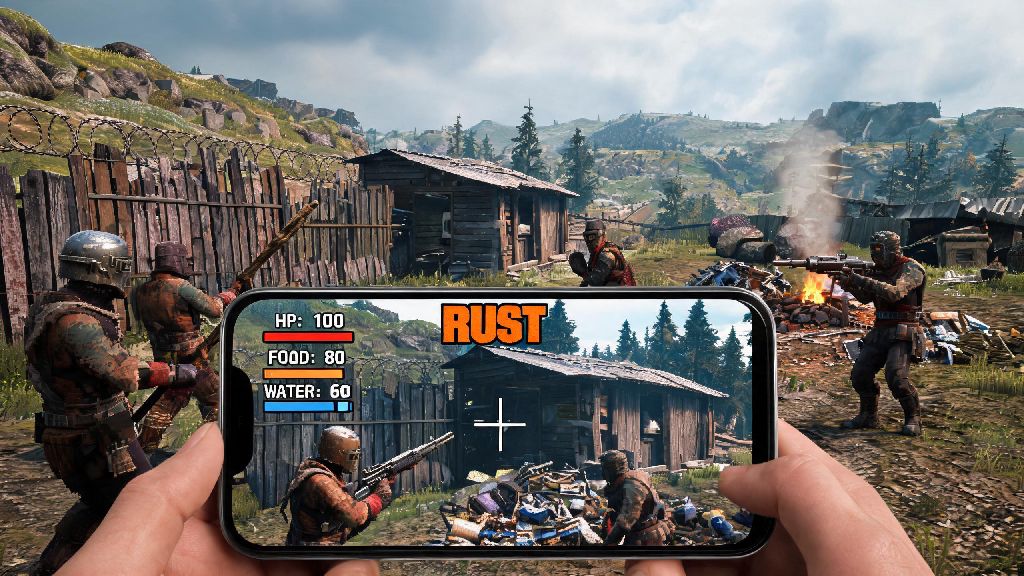
If you’ve ever found yourself away from your gaming PC but craving the high-stakes survival chaos of Rust, you’re not alone. Thousands of players hunt for ways to jump into their favorite wipe without being tied to a desk, and learning how to play Rust on mobile is far more accessible than most people think. I’ve tested every common method over the last two years, from official cloud gaming options to third-party streaming tools, so I can walk you through what works, what to skip, and how to avoid the most frustrating pitfalls that come with mobile play.
How to Play Rust on Mobile: Tested, Safe Methods You Can Use Today
The first thing you need to know is that there is no official standalone Rust mobile app available to the general public right now. Any listing on the App Store or Google Play advertising a full native Rust port is almost always a fake, ad-filled clone or worse, malware designed to steal your personal information. I downloaded three of these supposed ports last year to test them, and none of them had any connection to the actual Facepunch Studios Rust game.
The only three safe, legitimate methods to access real Rust on your phone are:
I’ve tested all three methods extensively, and cloud gaming is the best pick for most people, especially if you travel often or don’t have a gaming PC at home. The remote streaming option works great if you have a strong 5G or home Wi-Fi connection, but it’s useless if your PC is turned off or you’re too far from your home network. For casual players who only want to log in a few times a week to check their base, even the lowest tier cloud gaming subscription will work perfectly.
Critical Performance Tweaks for Lag-Free Mobile Rust Sessions
Even if you use a top-tier cloud gaming service, bad settings or a weak internet connection can turn your Rust session into a laggy, unplayable mess. I’ve put together the tweaks that made the biggest difference for my own mobile play, so you don’t have to waste hours testing them yourself.
First, prioritize a 5G or 5GHz Wi-Fi connection whenever possible. 2.4GHz Wi-Fi and 4G LTE connections can work in a pinch, but you’ll deal with constant input lag and random disconnections during fights, which is a death sentence in Rust. If you have to use mobile data, turn off all background app updates and syncs before you start playing, so you don’t lose bandwidth mid-wipe.
Next, adjust your stream quality to match your connection speed. Most cloud gaming apps let you pick between 720p, 1080p, and higher resolutions, but higher settings use far more data. If you’re noticing stuttering, drop the resolution to 720p first before you touch the frame rate. A consistent 60fps at 720p is far more playable than a choppy 30fps at 1080p, especially when you’re trying to aim or build quickly when you play Rust on mobile.
You should also invest in a bluetooth controller or mobile claw grip if you plan to play Rust on mobile regularly. Touch controls are functional for basic tasks like looting or building small bases, but they’re nowhere near precise enough for PvP fights against PC players. I use a backbone controller for my iPhone, and it cut my death rate in half within my first week of using it. The small investment is well worth it if you care about winning fights instead of just messing around in the game.
Common Mobile Rust Issues and How to Fix Them Fast
No matter how well you set up your game, you’ll run into issues eventually when you play Rust on mobile. These are the most common problems I’ve run into, and the quick fixes that work almost every time.
First, input lag that gets worse the longer you play. This is almost always caused by overheating on your mobile device, not a problem with your internet or the cloud service. Phones throttle their performance when they get too hot, so turn off any phone cases that trap heat, and keep your phone out of direct sunlight while you play. I keep a small portable fan clipped to my phone when I play for more than an hour at a time, and it completely eliminates overheating lag for me.
Next, random audio desync where the game sound is out of sync with what’s happening on screen. This is usually a setting issue in your streaming app. Go into the app’s audio settings and turn off any surround sound or enhanced audio options, and set the audio quality to standard instead of high. That fixes the desync 90% of the time, and you won’t notice a big difference in sound quality for most gameplay.
Another common issue is missing game progress or account sync errors. This almost always happens when you log into the wrong account on your cloud gaming app. Double check that you’re using the same Steam or Xbox account that you use to play Rust on PC, and make sure cloud sync is turned on in your game settings. If you still run into issues, restart both the streaming app and your game session, and the progress should sync normally once you load back in.
Is Playing Rust on Mobile Right for You? Pros and Cons to Consider
Playing Rust on mobile is incredibly convenient, but it’s not the right fit for every player. Before you invest in a cloud gaming subscription or controller, it’s worth weighing the pros and cons to see if it’s worth your time and money.
The biggest upside is obvious: you can play Rust anywhere you have a decent internet connection. I’ve played full wipe days on my phone while waiting for flights, during work breaks, and even while camping with a 5G hotspot. It’s perfect for casual players who don’t have time to sit at their PC for hours at a time, but still want to keep up with their base and clan mates. You also don’t need a high-end gaming PC to play, which is a huge plus for new players who haven’t invested in expensive gaming hardware. A $200 mid-range phone and a $10 monthly cloud subscription is far cheaper than building a PC that can run Rust well.
But there are downsides too. Even with the best internet connection and controller, you’ll never be on a level playing field with PC players who use mouse and keyboard. Input lag is always going to be slightly higher, and you won’t have the same precision for fast building or long-range aiming. That means mobile play is great for casual PvE, base building, and looting, but you’ll probably struggle in high-stakes PvP fights against experienced PC players.
You also have to deal with data usage if you play over mobile data. A 2-hour Rust session at 1080p 60fps uses around 4-5GB of data, which can add up fast if you don’t have an unlimited data plan. Make sure you check your data cap before you start playing on mobile regularly, so you don’t get hit with overage charges at the end of the month. At the end of the day, mobile Rust is a great supplement to PC play, not a full replacement. If you just want to log in to check your base, farm resources, or play with friends casually when you’re away from home, it’s perfect. If your main goal is to climb the PvP ranks and win every fight, you’re better off sticking to your PC.
At the end of the day, learning how to play Rust on mobile opens up a ton of new ways to enjoy one of the most brutal survival games ever made, without being tied to a desk. Stick to the safe methods we covered, tweak your settings for your connection, and go in with realistic expectations, and you’ll be able to jump into your next wipe no matter where you are. It’s not perfect, but for any Rust fan who spends a lot of time away from their PC, it’s an absolute game-changer.