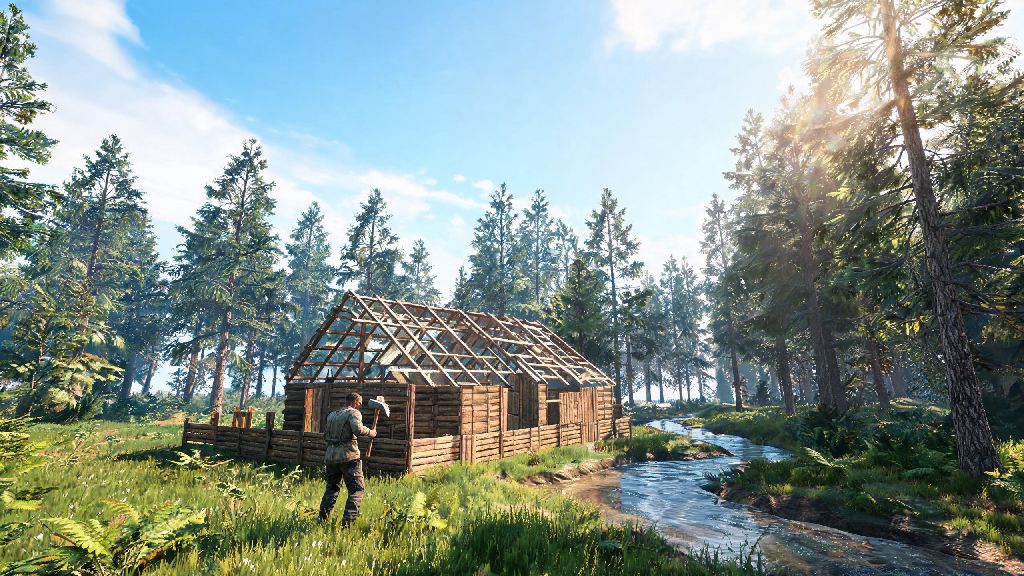
If you’ve ever logged off a public Rust server panicking that your 10-hour base will get raided while you sleep, you’re not alone. For years, players have associated Rust exclusively with chaotic PvP, toxic chat, and constant competition for limited resources. But you don’t have to fight off other players to enjoy the game’s deep building, exploration, and survival mechanics. If you’ve ever wanted to skip the PvP chaos and focus on your own goals, learning how to play Rust single player is the perfect low-stress solution.
How to Play Rust Single Player: Initial Setup Walkthrough
Getting your single player world up and running takes less than five minutes, even if you’ve never messed with custom server settings before. First, launch Rust from your Steam library and click the “Play” button on the main menu. Instead of selecting a public server from the list, navigate to the “Host Game” tab at the top of the screen. You’ll see a range of preset options, from standard survival to creative build modes. Always start with the “Standard” difficulty preset if you’re new to Rust, as it keeps core survival mechanics intact without extra tweaks you might not understand yet.
From there, you can name your world, select a map seed if you have a specific layout you want to use, and choose whether to enable or disable anti-cheat (it’s not required for single player, but leaving it on won’t hurt). Click “Start” and the game will generate your custom world in 1 to 2 minutes, depending on your PC specs. You’ll spawn in just like you would on a public server, but you’ll be the only human player on the entire map.
I’ve messed up this setup a handful of times when I first tried solo play, so one quick tip: don’t select the “Creative” preset unless you only want to build. Creative mode removes all survival mechanics, including hunger, thirst, and hostile NPCs, which can get boring really fast if you want the full Rust experience.
Must-Tweak Custom Settings for Your Single Player Rust World
The best part of single player Rust is that you get full control over every rule of the world. You can adjust everything from how fast resources respawn to how much damage NPCs deal, so you can tailor the experience to your playstyle. If you’re not sure where to start, these are the settings I adjust for every new solo playthrough:
Turning off decay is a game-changer for casual players who only log in a few times a week. On public servers, decay will eat through your base in days if you don’t keep up with repairs, but in single player, you can take a two week break and come back to your base exactly as you left it. Avoid setting your gather rate higher than 10x, even if you want to speed up progress. Too high of a gather rate removes all sense of accomplishment from building large bases or unlocking endgame items, and you’ll likely burn out on the playthrough in a few hours.
You can also adjust settings as you go, no need to lock them in when you first create the world. If you get stuck trying to get enough scrap to research a rocket, you can bump up scrap drop rates temporarily, then lower them again once you’ve got what you need.
Gameplay Tips to Thrive in Single Player Rust
Even without other players to compete with, Rust’s core survival mechanics are still challenging enough for new players. Your first priority when you spawn is to collect 10 wood, 5 stone, and 2 cloth to craft your first rock, torch, and sleeping bag. Find a spot away from major monuments to build your first small base, as monuments have higher spawn rates of hostile NPCs that can raid your early game shelter.
Use your single player world as a low-risk practice space before joining public servers if you eventually want to try PvP. You can learn how to build raid-proof bases, run monuments efficiently, and craft endgame gear without risking all your progress to a random raider. You can also test out weird base designs that you’d never risk building on a public server, like floating bases or hidden underground bunkers, to see what works and what doesn’t.
If you get stuck or want to skip a particularly tedious grind, you can use console commands by pressing F1 to open the console. You can enable admin mode by typing “admin true”, then spawn any item you need, change the time of day, or even turn off damage entirely. I only recommend using commands sparingly, though, as using them too often takes away the core survival challenge that makes Rust fun. You can also add mods to your single player world if you want to add new content, like custom weapons or building pieces, without dealing with modded public server rules.
Pros and Cons of Single Player Rust vs Public Servers
Single player Rust isn’t for everyone, and it’s important to know what you’re getting into before you spend time setting up a world. The biggest benefit is obviously the lack of PvP risk. You can spend weeks building a massive custom base, explore every monument, and collect all endgame items without worrying that someone will blow it all up while you’re at work. It’s also a great option if you don’t have a lot of time to play, since you don’t have to keep up with decay or server wipes.
It’s also the best way to learn the game at your own pace. New players often quit Rust after their first few days on public servers, because they get killed over and over before they even learn how to craft a proper base. Single player removes that frustration, so you can take time to learn every mechanic without pressure. I’ve recommended single player to dozens of friends who wanted to try Rust, and almost all of them ended up sticking with the game longer than people who jumped straight into public servers.
That said, there are some downsides. Single player Rust lacks the spontaneous, chaotic moments that make public servers so memorable. You won’t run into a random friendly player who gives you a free assault rifle, or get into a 20 minute PvP fight over a loot crate at the gas station. If you thrive on social interaction or competitive play, you’ll probably get bored of single player after a few days.
It’s also a lot easier to burn out on single player if you don’t set your own goals. On public servers, you have built-in goals like raiding the guy who killed you, or building a base strong enough to survive a weekend raid. In single player, you have to make your own fun, whether that’s building a giant castle, farming every animal type, or running all monuments in one in-game day. If you’re the type of person who needs external motivation to stay engaged, you might want to try a low-pop PvE server instead of pure single player.
At the end of the day, Rust is a game that’s meant to be fun, and you don’t have to play by the standard PvP rules to enjoy it. Whether you’re a new player learning the ropes, a casual player who doesn’t have time to keep up with public server decay, or a veteran who wants to test creative base designs, knowing how to play Rust single player opens up a whole new way to enjoy one of the most popular survival games ever made. Next time you’re tired of getting spawn killed by fully geared players, give solo play a try – you might be surprised how much fun you have without the chaos.