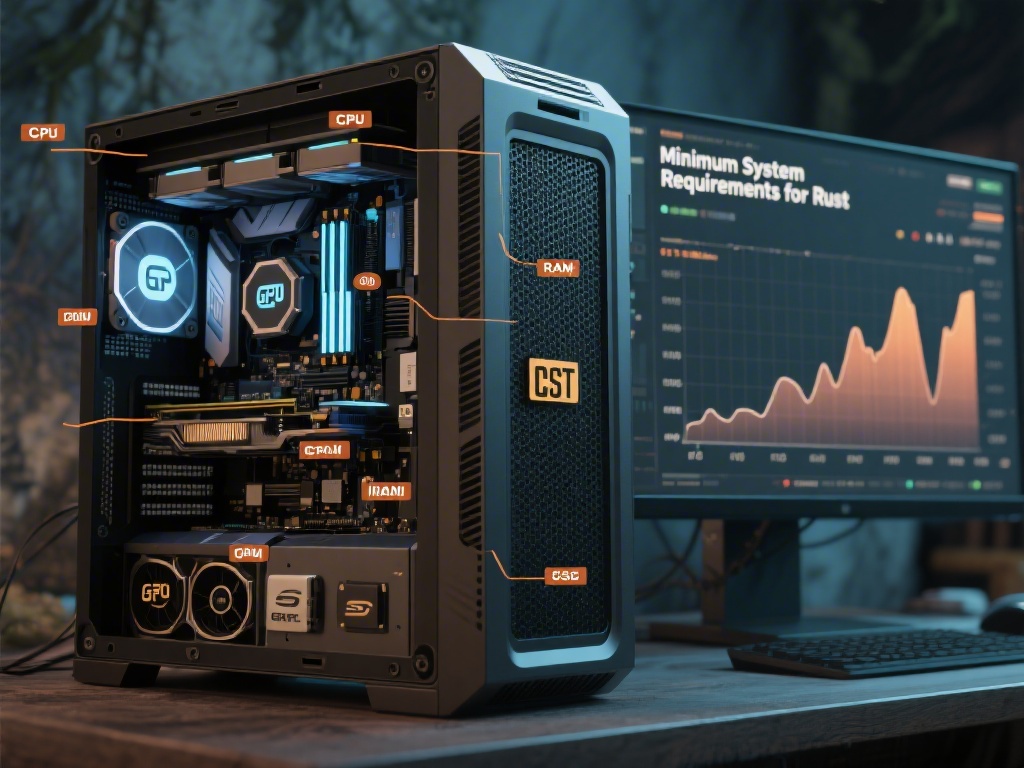
Introduction: Can My PC Play Rust?
Are you excited to dive into the world of Rust but unsure if your PC can handle it? Finding out if your PC can play Rust is crucial to ensure a smooth and enjoyable gaming experience. In this comprehensive guide, we'll walk you through the necessary steps to determine if your system meets the minimum requirements for this survival game.
Understanding Rust's Minimum System Requirements
Before we dive into the specifics, it's essential to know the minimum system requirements for Rust. As of the latest update, the minimum requirements are as follows:
- Operating System: Windows 7 (64-bit), Windows 8.1 (64-bit), or Windows 10 (64-bit)
- CPU: Intel Core i5-2400 or AMD FX-6300
- GPU: NVIDIA GeForce GTX 660 or AMD Radeon HD 7850
- RAM: 8 GB
- Storage: 50 GB available space
Checking Your PC's Specifications
To determine if your PC meets these requirements, you need to check your system's specifications. Here's how:
1. Operating System: Check your PC's system information by pressing `Windows key + R`, typing `msinfo32`, and pressing Enter.
2. CPU: Right-click on the Start button, select `System`, and then scroll down to find your CPU model.
3. GPU: Press `Windows key + X`, select `Device Manager`, expand `Display adapters`, and note the GPU model.
4. RAM: Go back to the `System` settings and find the RAM information.
5. Storage: Open File Explorer, right-click on the drive you want to check, select `Properties`, and note the available space.
Optimizing Your PC for Rust
If your PC meets the minimum requirements but you're experiencing performance issues, consider the following optimizations:
- Update Your Drivers: Make sure your graphics card and other drivers are up to date.
- Close Unnecessary Applications: Run Rust with fewer applications running in the background.
- Adjust Game Settings: Lower the graphics settings to improve performance.
- Overclock Your GPU: If you're comfortable with it, try overclocking your GPU for better performance.
Conclusion: Take the First Step into the World of Rust
Now that you know how to check if your PC can play Rust and how to optimize it for better performance, you're ready to take the first step into the world of Rust. Whether you're a beginner or an experienced gamer, Rust offers a unique and thrilling experience that will keep you on the edge of your seat.
Remember, the key to a great gaming experience is having a well-optimized system. So, before you dive into the action, ensure your PC is ready to handle the challenges ahead. Happy gaming!