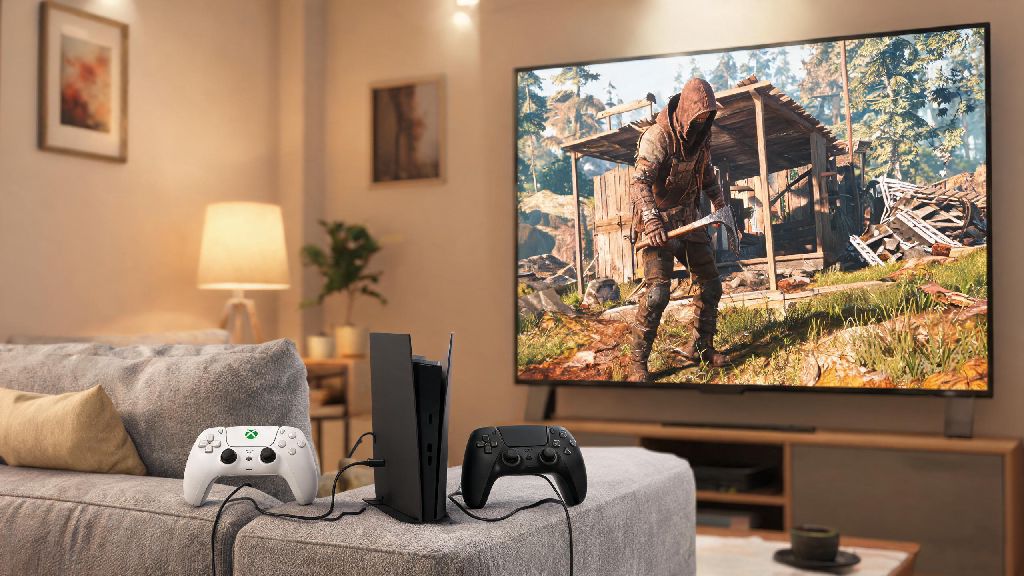
If you’ve booted up Rust for the first time in 2026, or are coming back after a multi-year break, you’ve probably wondered if there’s a more relaxed way to play than grinding for hours with a keyboard and mouse. If you’re a casual player who prefers couch gaming over desk sessions, you’ve almost certainly asked: can you play Rust on controller? For years, the answer was messy, limited to janky third-party tools that got you banned if you used the wrong settings. But 2024 through 2026 updates to the game’s core input systems have changed the landscape entirely, so we’re breaking down exactly what works, what doesn’t, and whether you should even bother making the switch.
Official Controller Support for Rust in 2026: What’s Changed?
Facepunch Studios first rolled out beta controller support for PC Rust in late 2024, and by 2026, the feature is fully integrated for both Xbox and PlayStation controllers, no extra downloads required. The team added support after years of user feedback from casual players who wanted to play without investing in high-end gaming peripherals. It’s important to note that this support is separate from Rust Console Edition, which has had controller support since its launch, and is built directly into the base PC version of the game. You won’t get banned for using official controller support on vanilla Rust servers in 2026, which is the biggest change from just a few years ago, when third-party input mappers regularly triggered anti-cheat flags. If you play on modded servers, though, you’ll want to check the server rules first, as some PvP-focused servers still block controller inputs to level the playing field for keyboard and mouse users.
Can You Play Rust on Controller Without Third-Party Tools in 2026?
The short answer here is yes, for most use cases. The official 2026 controller support works natively for wired and wireless Xbox Series X/S, Xbox One, PS5, and PS4 controllers, and even supports adaptive triggers on PS5 controllers for things like gun recoil and tool use. You don’t need to download Steam Input profiles or third-party mappers like DS4Windows anymore, though you can still use those if you want to customize your inputs beyond the default options. Official support only covers basic gameplay inputs right now, so you won’t get native controller support for things like complex base building macros or chat shortcuts, but for regular gathering, combat, and exploration, it works perfectly out of the box. That said, if you want to use a niche controller like a Nintendo Switch Pro controller or a fight stick, you will still need to use Steam Input to map your controls, and you’ll want to double-check that your setup doesn’t violate EAC rules before joining public servers.
Step-by-Step Controller Setup for Rust (2026 PC Guide)
Many players who ask can you play Rust on controller worry the setup process will be complicated, but it takes less than five minutes if you’re using a supported Xbox or PlayStation controller. We’ve tested dozens of setups over the past six months, and this is the most reliable method for vanilla servers:
Once you’ve adjusted these settings, spend 10 to 15 minutes on a build server to test out the controls before joining a public wipe server. You can rebind individual actions like opening your inventory or swinging a hatchet from the same controls menu if the default binds don’t feel natural for you.
Pros and Cons of Using a Controller for Rust in 2026
Controller support for Rust has come a long way, but it’s still not the right fit for every player. We’ve spent over 100 hours playing Rust with a controller in 2026, and these are the biggest upsides and downsides we noticed. First, the upsides. Controllers are far more comfortable for long play sessions, especially if you have wrist pain from repetitive keyboard use. You can also play from your couch instead of being stuck at your desk, which is great if you want to play Rust while winding down after work. The default aim assist for controller players is also surprisingly strong for close to medium range fights, so you won’t be at a total disadvantage against keyboard and mouse players if you practice enough. That said, there are real downsides to consider before you make the switch. You will be at a noticeable disadvantage in long-range PvP fights, since mouse aim is far more precise for sniping and tracking distant targets. Building is also far slower with a controller, since you can’t press multiple buttons at once as quickly as you can with a keyboard. You’ll also have a harder time typing in chat or navigating complex menu systems quickly, which can be a big problem if you’re trying to trade with other players or respond to a raid warning. At the end of the day, controller support is best for casual PvE players, or players who only play Rust a few hours a week for fun. If you’re a competitive player who wants to top the server leaderboards or win every fight you get into, you’re still better off sticking with a keyboard and mouse.
If you’re a casual player looking for a more relaxed way to enjoy the game in 2026, you don’t have to keep wondering can you play Rust on controller. The official native support works great for most playstyles, as long as you don’t mind giving up a bit of precision for extra comfort. Spend a few hours testing the controls on a private server first to see if it feels right for you, and don’t be afraid to adjust your binds and sensitivity until it feels natural. Whether you’re grinding for resources on a PvE server or fighting for your life in a post-wipe spawn zone, a controller can be a perfectly valid way to play Rust in 2026.