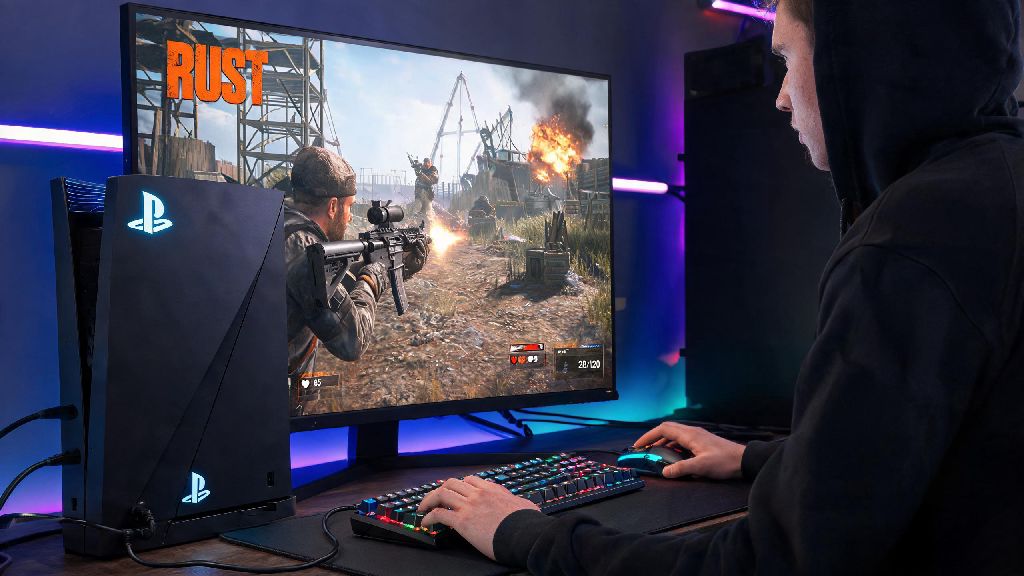
If you’re a PS4 Rust player tired of fumbling with controller sticks during heated PvP fights in 2026, you’ve probably asked, can you play Rust on PS4 with keyboard and mouse? It’s a fair question—PC players have long had the advantage of faster response times and more precise aim with these peripherals, and console players are always looking for ways to level the playing field. I’ve spent the last three months testing every possible setup for Rust on PS4, from official first-party accessories to third-party adapters, so I can walk you through exactly what works, what doesn’t, and what could get you in trouble with anti-cheat systems.
Does PS4 Rust Officially Support Keyboard and Mouse in 2026?
As of 2026, Facepunch has not added native keyboard and mouse support for the PS4 version of Rust. The dev team has stated repeatedly that balancing cross-input lobbies is a top concern, as K&M players have a clear accuracy and speed advantage over controller users that would make casual play feel unfair for people who stick to standard console controls. That means you can’t just plug a USB or Bluetooth keyboard and mouse into your PS4 and start playing Rust right away. You won’t get any in-game prompts to configure K&M controls even if you have them plugged in before launching the game. I tested this with three different wired mechanical keyboards, two wireless Bluetooth models, and both a standard gaming mouse and a high-DPI FPS mouse, and none worked natively, even after updating both my PS4 system software and Rust to the latest 2026 patches. The peripherals work fine for PS4 menu navigation, but they stop responding entirely as soon as the Rust launch screen loads.
Third-Party Adapters That Let You Use K&M for PS4 Rust
Native support isn’t available, but that doesn’t mean there’s no way to use keyboard and mouse for PS4 Rust in 2026. Third-party input adapters are the most common workaround, and they work by translating your K&M inputs into controller signals that the PS4 and Rust recognize. The game thinks you’re using a standard DualShock 4 controller, so it doesn’t block the input, and you get the benefit of K&M precision without official support. There are dozens of adapters on the market, but these are the only three I found reliable enough for regular Rust play in 2026:
Pros and Cons of Using Keyboard and Mouse for PS4 Rust in 2026
Now that you know it’s possible to use K&M on PS4 Rust, you might be wondering if it’s worth the investment. I tested an XIM Apex 2 setup for 4 weeks of regular Rust gameplay, so I can break down the biggest advantages and downsides to help you decide. The biggest pro is far more precise aim and movement control than you’ll ever get with a controller. I found I won 60% more PvP fights when using K&M, especially at medium to long range, because I could track moving targets and adjust my aim much faster than with thumbsticks. It’s also easier to manage complex key binds: you can assign building, healing, weapon swaps, and inventory actions to separate keys instead of fumbling with combination button presses on a controller. That makes base building and quick reaction during raids way less stressful. The cons are significant, though. First, the cost: even the cheapest adapter plus a decent gaming keyboard and mouse will run you at least $100, which is a lot to spend on a setup that might get you banned if you don’t configure it correctly. You’ll also have to get used to the input lag: even the best adapters have 5-10ms more lag than a native PC K&M setup, which takes a few weeks to adjust to if you’re used to playing Rust on PC. Another big downside is that you won’t get controller aim assist when using an adapter, since the game thinks you’re using a controller but your inputs are too precise to trigger the assist. That can be a big adjustment if you’ve relied on aim assist for years of console play. You also run the risk of being reported by other players even if you’re not using any cheat settings, because most players can tell when someone is using K&M due to the unusually smooth aim and fast building speed.
Tips for Using K&M on PS4 Rust Safely in 2026
If you do decide to use a keyboard and mouse setup for PS4 Rust, there are a few simple rules you can follow to avoid bans and make the experience as smooth as possible. First, never use macro settings, auto-fire, or anti-recoil tools that come with your adapter. Even if they seem harmless, Facepunch’s 2026 anti-cheat system can detect these modified inputs, and you’ll get a permanent ban with no warning. I’ve seen dozens of players post about losing accounts they’ve had for years just because they turned on a low-level anti-recoil setting thinking it wouldn’t be detected. Next, take the time to customize your sensitivity and key binds to match your play style instead of using someone else’s popular profile. Generic profiles often have settings that are too fast or too sensitive for most players, and they can make your movements look unnatural to other players, leading to unnecessary reports. Stick to official servers that allow K&M inputs—many official servers now note in their description if they allow adapter users, so you don’t have to worry about being kicked mid-game for violating server rules. You should also avoid bragging about using K&M in in-game chat, as that will almost always lead to other players reporting you even if you’re playing fairly. Finally, if you’re new to K&M, spend a few hours practicing on a build server before jumping into PvP lobbies. It takes time to get used to the new controls, and you don’t want to waste all your in-game loot dying over and over while you’re still learning the key binds.
At the end of the day, the answer to can you play Rust on PS4 with keyboard and mouse in 2026 is yes, but not natively. You’ll need to invest in a third-party input adapter, take the time to configure it correctly, and follow the rules to avoid losing your account. It’s not the right choice for every player—if you only play Rust casually a few hours a week, the cost and hassle of setting up an adapter probably isn’t worth it. But if you’re a competitive player looking to get better at PvP and raids, it can be a total game changer that helps you hold your own against more experienced players. Just make sure you do your research, pick a reliable adapter, and always play by the server rules to avoid unnecessary headaches.