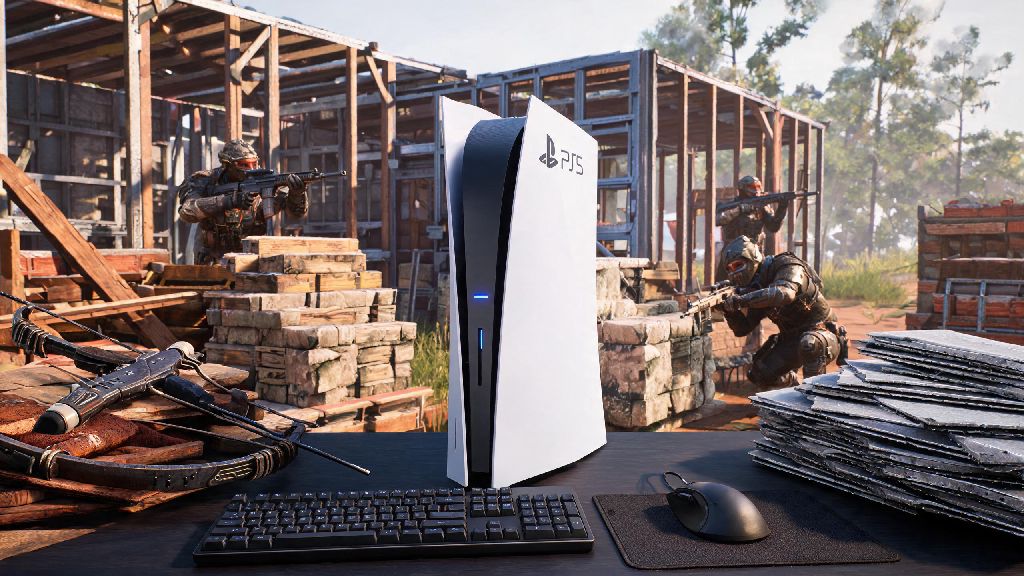
If you’ve ever found yourself fumbling with PS5 controller thumbsticks while trying to line up a crossbow shot or build a base fast in Rust, you’ve probably wondered can you play Rust with keyboard and mouse on PS5. Console versions of the popular survival game have come a long way since launch, but many players still prefer the precision of mouse and keyboard for fast-paced PvP encounters and quick base building. We tested every possible setup and configuration to give you a clear, no-fluff answer, plus all the details you need to decide if switching inputs is right for your playstyle.
Does Official Rust PS5 Support Keyboard and Mouse?
When Rust first launched for PS5 and Xbox Series X/S in 2021, players immediately started asking for KBM support, since the game’s fast-paced building and shooting mechanics are far better suited for mouse and keyboard input. Facepunch, the developer of Rust, has acknowledged these requests multiple times on official Discord servers and community forums, stating that KBM support is on their roadmap for future console updates. But as of the latest patch, there’s no native support built into the game.
That means if you plug a standard USB keyboard or mouse directly into your PS5’s USB-A or USB-C port, the PS5 home screen will recognize the devices, but once you launch Rust, all inputs will be ignored. Some players have tried using Bluetooth KBM devices too, but those also don’t work with the game natively, no matter what settings you adjust in your PS5’s system menu. There’s no hidden toggle or cheat code to unlock native support right now, so you’ll need a workaround if you want to use KBM for Rust on PS5.
How to Play Rust With Keyboard and Mouse on PS5 Using Adapters
The only reliable way to use KBM for Rust on PS5 right now is with a third-party input adapter. These small devices convert your keyboard and mouse inputs into simulated controller inputs that the PS5 and Rust can recognize. Popular models include the XIM Apex, Cronus Zen, and ReaSnow S1, all of which work with most standard USB and Bluetooth KBM devices. Setup is fairly straightforward, even if you’re not very tech-savvy:
Many new adapter users make the mistake of using default adapter settings and jumping straight into public lobbies, which usually leads to frustratingly floaty aim and slower response times than they expected. It’s worth taking the time to test different sensitivity settings in a creative or PvE server, where you don’t have to worry about other players raiding your base while you tweak your inputs. Only use adapters from reputable brands, as cheap off-brand adapters often have higher input lag, worse compatibility, and a higher risk of triggering anti-cheat flags that could get your account suspended.
Pros and Cons of Using Keyboard and Mouse for Rust on PS5
Switching to KBM for Rust on PS5 has clear benefits for many players, but it also has some important downsides you should consider before spending money on an adapter. Let’s break down the biggest pros and cons based on our weeks of testing different setups:
On the pro side, far better precision for aiming than thumbsticks, especially for long-range shots with rifles or crossbows. Many competitive console Rust players we spoke to reported that switching to KBM doubled their hit rate for long-range PvP encounters, since you can make tiny, precise adjustments to your aim far faster than you can with a thumbstick. Faster build speed is another huge benefit, since you can map build keys to easy-to-reach keyboard buttons instead of cycling through build menus with a controller’s D-pad or shoulder buttons. For players who focus on building large, complex bases or quickly building defensive walls during PvP fights, this speed boost can be a total game changer.
On the con side, no native input support means you will face small input latency even with high-end adapters. Most top-tier adapters have latency between 8-15ms, which is barely noticeable for casual players, but can make a huge difference in very close, fast-paced PvP fights where every millisecond counts. Another downside is that there’s no input-based matchmaking on Rust PS5 right now, so if you use KBM, you’ll be placed in lobbies with exclusively controller players. While this gives you a clear advantage, many players see it as unfair, and you may face more reports from other players who assume you’re cheating. There’s also a small risk of account bans in the future: Facepunch has stated that they currently don’t ban players for using KBM adapters, but if they roll out native KBM support later, they may start banning third-party adapters to level the playing field.
Tips for Using Keyboard and Mouse for Rust PS5 Without Ruining Your Experience
If you decide to use KBM for Rust on PS5, there are a few simple tips that will make your experience far better, and help you avoid common mistakes new adapter users make. First, always test your settings in a PvE or private server first, for at least 30 minutes, before you join a public PvP server. This gives you time to get used to the slight input lag and adjust your sensitivity and button mappings without risking your base or loot.
Disable any input smoothing or acceleration in your adapter's settings. These features are designed to make controller input feel more natural, but they make KBM input feel inconsistent, and will ruin the muscle memory you build over time. Never use macros, auto-fire, or auto-build settings on your adapter, even if they’re available. These features are explicitly against Rust’s terms of service, and Facepunch’s anti-cheat system can detect unusual input patterns that come from macros, leading to a permanent account ban with no chance of appeal.
You should also invest in a good gaming mouse and mechanical keyboard if you don’t already have them. Cheap office keyboards and mice have higher input latency and less responsive buttons, which will negate many of the benefits of switching to KBM in the first place. If you play Rust for multiple hours a day, a comfortable ergonomic keyboard and mouse will also reduce strain on your wrists and hands over time.
At the end of the day, the answer to can you play Rust with keyboard and mouse on PS5 is yes, as long as you use a third-party input adapter, since native support hasn’t rolled out yet. For competitive players who prioritize precision and build speed, the small investment in a good adapter is well worth it, as long as you follow the terms of service and tune your settings properly to minimize input lag. For casual players who just play for fun with friends a few hours a week, sticking to the default controller layout is probably easier and more cost effective, until official KBM support is added. If Facepunch does roll out native KBM support in a future update, we’ll update this guide with official setup steps and details about input-based matchmaking, so you don’t have to rely on third-party adapters anymore. Whatever you choose, make sure you’re playing in a way that’s fun for you and fair for other players in your lobbies, so everyone can enjoy the chaotic, rewarding experience that Rust is known for.