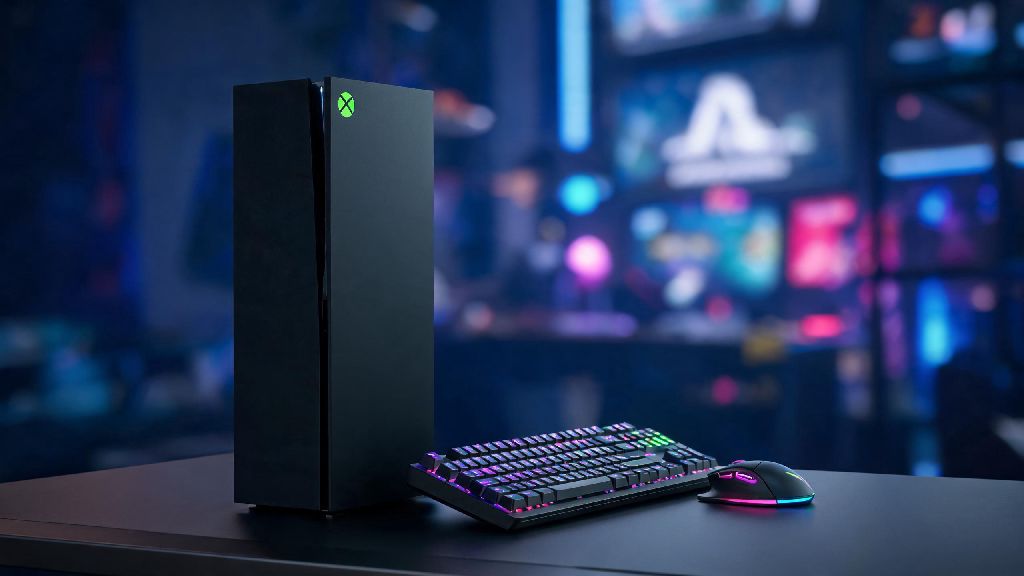
If you’ve ever fumbled with a controller while trying to line up a long-range rifle shot or build a base fast enough to fend off a raiding party in Rust, you’ve probably wondered: can you play Rust with keyboard and mouse on Xbox? Console players have long asked for more control options to match the precision PC players get, and the answer isn’t as straightforward as you might think for this brutal survival title. We’ve tested every possible setup across Xbox One, Series S, and Series X to break down exactly what works, what doesn’t, and whether switching to KBM is worth the effort for your next playthrough.
Can You Play Rust with Keyboard and Mouse on Xbox: Official Support Status
Facepunch Studios, the developer of Rust, rolled out native keyboard and mouse support for console versions back in 2022, so it’s not a hack or third-party workaround you have to mess with. That means you don’t have to risk a ban for using third-party input adapters, which is a big relief for players worried about losing hundreds of hours of progress on their bases and gear. Only wired keyboard and mouse setups are officially supported right now, so if you have a wireless Bluetooth model, you’ll need to plug it in via USB or pick up a wired alternative to make it work. You also don’t have to mess with any weird console settings outside of the game itself: Rust will automatically detect your KBM setup as soon as you plug it in, no extra downloads or firmware updates required. If you’ve played Rust on PC before, you’ll feel right at home with the KBM setup on Xbox, as all the default binds match the PC version exactly.
Step-by-Step Setup for KBM on Xbox Rust
Setting up your KBM for Rust on Xbox takes less than five minutes, even if you’re not great with tech. First, make sure your Xbox is updated to the latest system software, because older versions may have bugs that prevent KBM detection in certain games. Next, plug your keyboard and mouse into open USB ports on your Xbox console: if you have a Series S or X, you can use either the front or back ports, both work equally well. Boot up Rust and head to the settings menu, then navigate to the controls tab. You’ll see a toggle for keyboard and mouse input that you can switch on, and you can also customize every key bind to match the layout you use if you play Rust on PC too. We recommend testing your binds in a creative build server first before joining a PvP server, so you don’t accidentally hit the wrong key and drop your best weapon when you’re mid-fight with another player.
Some of the most popular custom binds for console KBM players include:
If you want to upgrade your setup for better response times, investing in a lightweight gaming mouse for fast-paced survival games can cut down on input lag and make building and aiming feel even smoother. Most entry-level gaming mice work perfectly with Xbox Rust, so you don’t have to spend hundreds of dollars to get a noticeable improvement over a standard office mouse.
Pros and Cons of Using KBM for Rust on Xbox
Just because KBM is supported doesn’t mean it’s the right choice for every player, so let’s break down the biggest advantages and downsides to help you decide. The biggest pro by far is increased precision for aiming and building: even the best controller players can’t match the speed of a mouse for flick shots or placing 10+ building pieces in a second to block incoming fire. You also get full control over your key binds, so you can set up your layout exactly how you like it instead of being stuck with the limited controller remap options the game offers. You will never be matched against controller players when using KBM, so you don’t have to worry about unfair matchups, as the game automatically sorts lobbies by input type.
There are some downsides, though. For one, the lobby skill ceiling is much higher for KBM lobbies, so you might get destroyed more often when you first make the switch. KBM also doesn’t support aim assist at all, so if you’ve relied on aim assist to land shots with a controller, you’ll have to learn to aim fully manually, which can take a few weeks of practice to get used to. Another small downside is that you can’t use KBM to navigate the Xbox dashboard outside of Rust, so you’ll still need your controller to switch games or adjust system settings when you’re done playing. Many long-time Rust players make the switch to KBM on Xbox as soon as they realize how much faster they can build and fight, even with the small learning curve.
Tips to Improve Your KBM Gameplay on Console Rust
If you decide to make the switch to KBM, there are a few simple tips that will help you get up to speed much faster than winging it. First, start with your mouse sensitivity set to the same level you use for other FPS or survival games on Xbox if you already play those with KBM. If you’re new to KBM entirely, start with a low sensitivity around 800 DPI and 1.2 in-game sensitivity, then adjust it up or down until you can turn 360 degrees with one full swipe of your mouse across your pad. Don’t be afraid to spend 10-15 minutes in a build server every time you log on to practice your building and editing muscle memory. Building is 70% of winning fights in Rust, so getting fast at placing walls, floors, and roofs will make a much bigger difference than being a perfect shot.
You should also turn off mouse acceleration in the Rust settings menu, because this feature adds random input lag that makes your aim feel inconsistent. Finally, play with friends who use KBM too when you first start: they can give you tips, cover you while you learn, and you won’t have to worry about being the only weak link on your team during raids. Once you get comfortable with your setup, you’ll likely find you have far more control over your gameplay than you ever did with a controller.
At the end of the day, the answer to can you play Rust with keyboard and mouse on Xbox is a resounding yes, and it’s a great option for players who want the same level of control as PC players without investing in a full gaming rig. Whether you’re a casual player who just wants to build bases without fighting controller joystick drift, or a competitive player who wants to climb the console Rust ranks, KBM support opens up a whole new level of gameplay for Xbox users. Take the time to test out different binds and sensitivity settings, and you’ll be dominating lobbies in no time.