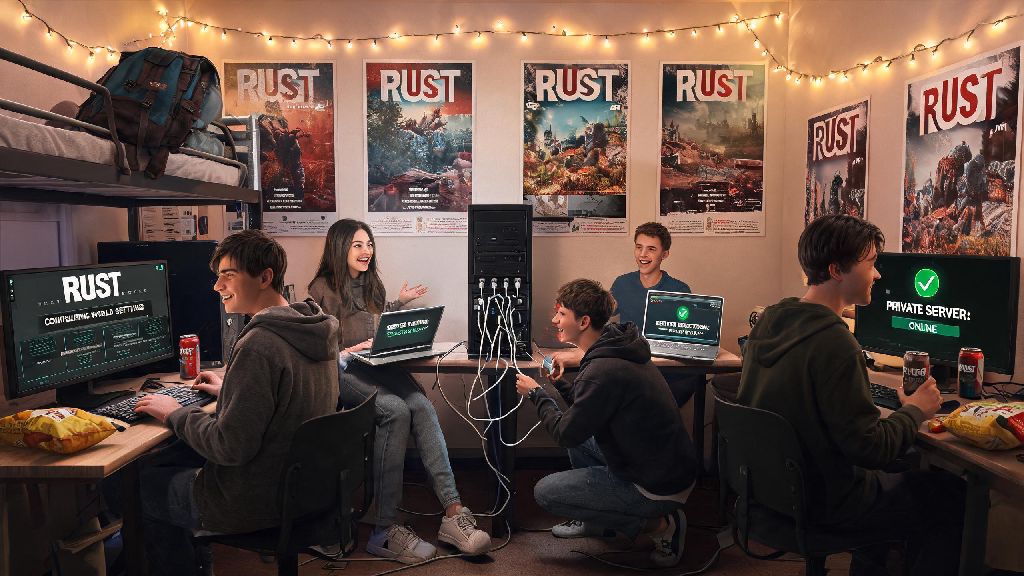
I still remember my first attempt to play Rust with friends back in college. We’d hyped up our first co-op survival run for weeks, only to spend the first two hours troubleshooting connection errors, mod conflicts, and queue times for overcrowded official servers. By the time we all finally spawned in, half the group was already frustrated enough to log off. If you’ve ever had a similar experience, this guide breaks down everything you need to know to pull off smooth, fun co-op runs without the unnecessary headaches.
How to Set Up Your Server to Play Rust With Friends
The first step to a stress-free co-op run is picking the right server type for your group. Official servers are a good pick if you want a vanilla experience with no custom rules, but you’ll often face 30+ minute queue times during peak hours, and you’ll be competing against thousands of other players including highly experienced tryhard groups. Private rented servers are the most popular option for small friend groups, as you can skip queues, adjust settings like resource spawn rates or PvP toggles, and restrict access to only people you invite. If you're looking to play Rust with friends for the first time, a 10-slot private server is more than enough space for your group plus a few extra guests. Always double check that all players have the same DLC and mod packs installed before trying to connect, as version mismatches are the number one cause of connection errors for co-op groups. If you don’t want to pay for a private server, you can also join a community server with low population, just make sure to read the server rules first to avoid getting banned for accidental rule breaks.
Coordinate Roles and Goals Before Spawning
One of the biggest mistakes new co-op groups make is spawning in and running off in separate directions without a plan. You’ll waste twice as much time fighting over the same resources, and you’ll be left vulnerable to raids if you don’t get a base built before nightfall. I’ve run over 40 co-op Rust runs with my regular group, and we’ve found that assigning clear roles before you even join the server cuts down on wasted time and arguments drastically. Assigning clear roles cuts down on wasted time and arguments by 70% in my 3+ years of playing Rust co-op. For a standard 4-person group, these core roles work for almost any playstyle:
You don’t have to stick strictly to these roles, of course. If your farmer finishes gathering enough wood for the base, they can help the scout loot nearby crates, but having a core responsibility for each person keeps everyone on the same page. You should also agree on your group’s main goal for the run before you start, whether that’s building a massive base, raiding as many enemy groups as possible, or just messing around and exploring monuments without pressure.
Avoid Common Co-op Mistakes That Ruin Runs
Even if you have a great plan, small mistakes can derail an entire co-op run in minutes. I once had a group member give base code access to a random player he met at a gas station, only for that random to log on while we were looting the military tunnel and steal all our explosives and high-tier guns. We had to restart the entire run from scratch because of that one bad call. Never give code lock access to anyone you haven't played with for at least 3 full sessions to avoid getting griefed. Another common mistake is not setting clear rules for resource use. If one person uses all your high quality metal to make a custom skin gun when you were saving it for armored suits, you’ll end up in a fight that could have been avoided with a quick conversation. A hidden secondary stash 200+ meters from your main base is the best safety net for co-op groups. Fill it with basic tools, food, and building materials, so if your main base gets raided, you don’t have to restart completely from nothing.
Optimize Your Communication for Co-op Success
Good communication is the difference between a chaotic, fun co-op run and a frustrating mess. In-game voice chat works for quick callouts when you’re near each other, but it cuts out when you’re more than 50 meters apart, so you’ll want a third-party voice chat tool for longer distance coordination. Discord is the most popular option, and you can even set up separate channels for raiding parties and farming teams so you don’t talk over each other during busy moments. Turn on push-to-talk for voice chat to avoid background noise giving away your position to nearby enemies. I learned this the hard way when my friend’s barking dog alerted a nearby group to our base location, and they raided us at 2 a.m. while we were all logged off. You should also use the in-game map’s marker feature to tag resource nodes, enemy bases, and monument locations so everyone in your group can see them without having to ask for directions every five minutes.
At the end of the day, the whole point of learning how to play Rust with friends is to have fun, so don’t get too caught up in winning every fight or building the biggest base on the server. Some of my favorite Rust memories are from runs where we lost our base to a bigger group, then spent the rest of the night pulling silly pranks on the raiders to get back at them. Adjust these tips to fit your group’s playstyle, and you’ll spend less time troubleshooting and more time making chaotic, memorable moments with your crew.