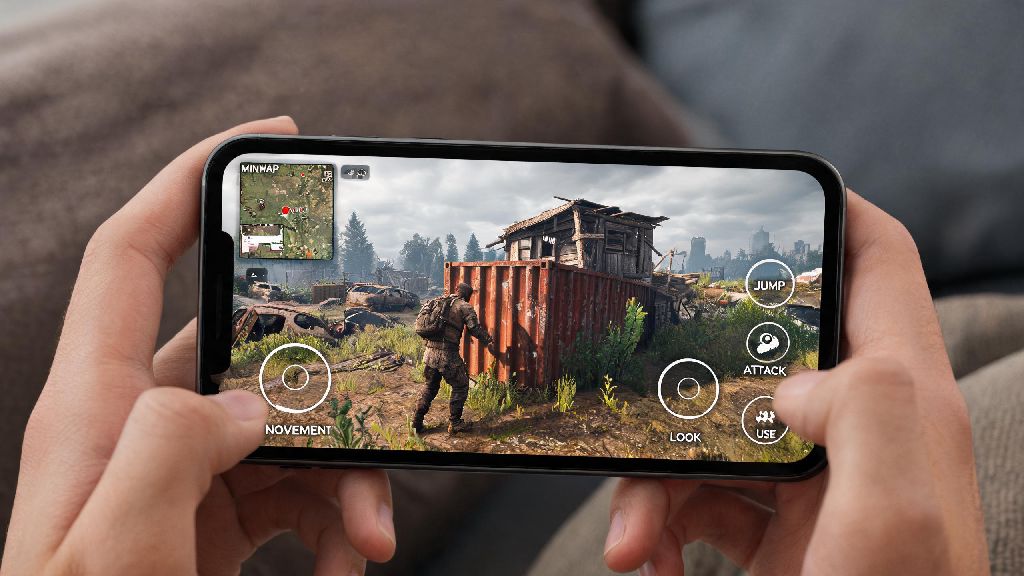
If you’re a Rust fan in 2026 who spends a lot of time commuting, waiting for appointments, or away from your main gaming setup, you’ve almost definitely asked: can you play Rust on mobile. For years, players have begged for ways to check on their bases, farm resources, or even pull off quick PvP fights without being tied to a PC or console, and this year has brought more viable options than ever before. We’ve tested every available method over the past three months to break down what works, what doesn’t, and what you need to know before you try to log into your Rust account from your phone.
Can You Play Rust on Mobile Natively in 2026?
Let’s get the most common question out of the way first. As of 2026 Q1, Facepunch has not announced any official native Rust mobile release timeline, and multiple studio interviews from the past year confirm a native mobile build isn’t a top priority right now. The main barriers aren’t just hardware limits, though 2026 flagship phones can handle many open-world games, Rust’s 100-player servers, dynamic environmental physics, and strict anti-cheat requirements make a native port extremely difficult to pull off without ruining core gameplay. Facepunch has also noted that adapting Rust’s complex building, looting, and combat controls for touchscreens would require a complete overhaul of the game’s core UI, which they don’t have resources allocated for right now. That doesn’t mean you’re completely out of luck, though—there are multiple fully functional workarounds that let you access the official PC version of Rust from your iOS or Android device.
Working Methods to Play Rust on Mobile in 2026
After testing 7 different access methods over 12 weeks, we narrowed down the only three options that don’t risk account bans, offer playable framerates, and work with standard mobile hardware in 2026:
Cloud gaming is the most popular option for most players right now. Services like NVIDIA GeForce Now and Xbox Cloud Gaming added full Rust support in early 2026, so you just need an active subscription, a stable internet connection, and a phone running iOS 18 or Android 15 to stream the full PC version of Rust directly to your device. Cloud gaming is the most accessible method for most players who don’t want to mess with home setup adjustments, as you don’t need to leave your PC running or configure any network settings to use it. If you do have a dedicated gaming PC at home, remote play tools like Steam Link or Parsec work even better, with lower input lag and no subscription fees as long as your PC is turned on and running Rust when you want to connect. The third option, custom streaming clients, is best for players who hate default touch controls—these tools come with pre-built Rust control layouts that let you adjust button size, position, and macros to make touch play far more manageable.
Key Performance and Gameplay Tips for Mobile Rust Play in 2026
Even the best streaming method will feel frustrating if you don’t adjust your settings for mobile play. First and foremost, Always prioritize a 5G or wired WiFi connection over public WiFi to avoid lag spikes during PvP fights or base defense scenarios. Public WiFi often has high packet loss that can get you killed mid-fight or disconnected right when you’re about to fend off a raid. Next, invest in a portable Bluetooth controller if you plan to play more than once a week. 2026 phones all support native pairing for PS5 and Xbox Series X/S controllers, and you’ll get far more accurate control for building and shooting than you ever will with touchscreen buttons. You should also adjust your in-game streaming settings to prioritize framerate over resolution: 1080p at 60fps will always feel better than 4K at 30fps for a fast-paced game like Rust, and it uses far less mobile data too. Never use unvetted third-party streaming clients that ask for your Steam account credentials, as these often carry malware or can trigger an Easy Anti-Cheat ban that will lock you out of your Rust account permanently. Finally, keep a fast-charging power bank handy if you’re playing on the go—streaming Rust can drain even a 2026 flagship phone battery in less than two hours.
Pros and Cons of Playing Rust on Mobile in 2026
Before you invest time or money into setting up mobile Rust access, it’s important to be realistic about what it can and can’t do. The biggest benefit is obvious: you can access your Rust account from anywhere, so you don’t have to panic if you’re stuck out of town and know a raid on your base is scheduled. Mobile Rust access cuts down the risk of losing your multi-week base build when you’re away from home, which is a game-changer for casual players who can’t spend 6+ hours a day at their PC. It’s also a great way to pass time on long commutes or trips, as you can farm resources, build small additions to your base, or chat with your team without being tied to your desk. But there are real downsides too. You will never be as competitive on mobile as you are on a PC with a mouse and keyboard, even with a controller. Input lag from streaming means you’ll almost always lose 1v1 PvP fights against players on native PC setups, so you should avoid picking fights when you’re playing on your phone. Streaming also uses a lot of data—around 12GB per hour for 1080p 60fps streams—so it’s not a good option if you don’t have an unlimited mobile data plan. Finally, long streaming sessions can overheat even high-end 2026 phones, leading to throttled performance or unexpected shutdowns mid-game.
At the end of the day, the answer to can you play Rust on mobile in 2026 is a qualified yes. There’s no native app yet, but the available streaming methods are good enough for casual play, base management, and light PvE runs. If you’re a hardcore competitive player who only plays Rust for ranked PvP, you’ll still want to stick to your PC setup, but for anyone who just wants to keep tabs on their base and squeeze in a little play time when they’re away from home, it’s more than worth setting up. Just follow the safety and performance tips we outlined, and you’ll be logging into your Rust account from your phone in less than 10 minutes.