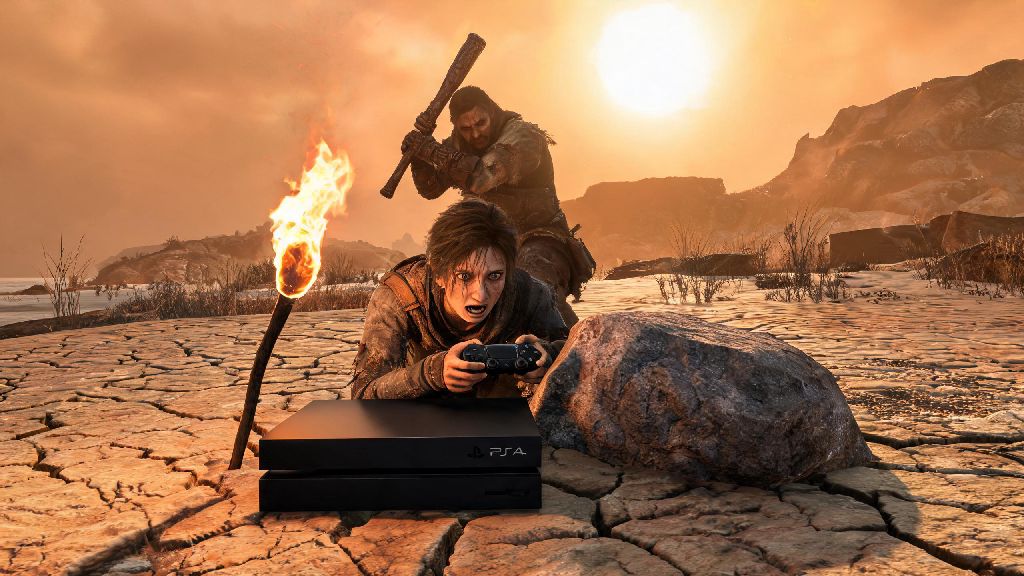
If you’ve ever booted up Rust on your PS4, spawned on a sun-scorched beach with nothing but a rock and a torch, and got taken out by a guy with a wooden club 10 seconds later, you know how overwhelming the game can feel at first. The console port of Rust has a lot of small differences from the PC version that most generic guides don’t cover, so it’s easy to feel like you’re missing key info. If you’re wondering how to play Rust on PS4 without quitting out of frustration before you even build your first base, this guide is built from 120+ hours of console Rust play, with zero PC-exclusive hacks that won’t work on your console.
Pre-Game Setup and PS4-Specific Settings to Optimize Your Play
Before you even join a server, adjusting a few settings will make your experience way smoother, especially if you’re playing on a base PS4 or PS4 Slim instead of a Pro. First, head to the graphics settings and pick performance mode over quality mode. Quality mode makes the game look sharper, but it drops frames constantly in busy areas like monuments or large player bases, which will get you killed during PvP fights. Performance mode locks to a steady 30fps on all PS4 models, with far less stutter when you’re exploring or fighting other players.
Next, adjust your controller settings to match your play style. Lower the analog stick deadzone to 10% or less if you want faster, more responsive aim, which is a huge advantage when you’re fighting other players at close range. Swap to toggle sprint instead of hold if you get tired of holding down L3 while running across the map, and turn on build menu quick select to cut down the time it takes to place walls during fights. We recommend turning off "friendly fire indicator" if you play in a group – the bright pop-ups clutter your screen during chaotic fights and make it harder to track enemy players.
Don’t skip adjusting your audio settings either. Turn up structure damage volume all the way, so you can hear if someone is breaking into your base even if you’re in another part of your base or have your TV turned down low. Turn down ambient sound a little to make it easier to hear other players moving through grass or trees nearby.
Key Controls for How to Play Rust on PS4 Without Fumbling
Rust’s console controls take a little getting used to, especially if you’re coming from the PC version or other survival games that use different controller layouts. You don’t need to memorize every single control on day one, but mastering the most used ones first will save you from a lot of unnecessary deaths. The most important control to learn first is the build menu: hold L1 to pull it up, and use the right stick to select walls, foundations, floors, or stairs. Getting fast at switching between build pieces is the difference between surviving a surprise attack and getting one-shot before you can place cover.
The R1 quick select wheel is another game-changer. Hold R1 to pull up your inventory wheel, and you can swap between your weapon, tools, meds, and building materials in less than a second, instead of scrolling through your full inventory mid-fight. You can also remap buttons in the PS4 system settings if the default layout feels awkward: a lot of players remap jump to L3 instead of X to make bunny hopping easier during chases, or move the reload button to R3 so you don’t have to take your thumb off the right stick while reloading.
Spend 10 minutes in a private server practicing build rotations before you join a public server. It might feel like a waste of time, but building 10 or 15 small bases in a private server will make you fast enough to place cover during fights without even thinking about it.
Your First Hour of Play: Survival Steps That Work for PS4 Servers
When you spawn into a public server for the first time, your first priority is not picking berries or looking for food. You have 10 to 20 minutes before other players near the beach get weapons and start hunting new spawns, so you need to move fast. First, harvest 50 wood and 100 stone using your starting rock to make a stone hatchet and stone spear. These two tools will let you harvest resources way faster and defend yourself against other new spawns or small animals like wolves.
Next, run at least two grid squares away from the beach and the nearest large monument (like the launch site, military tunnel, or train yard) to find a spot to build your first base. Don’t build right next to the beach or monuments, because those are the areas that get the most foot traffic, and your tiny starter base will get raided within hours. Look for a spot hidden between trees or rocks, so it’s harder for passing players to spot.
Build a 1x2 wooden base first, with a wooden door and a lock. Never leave your base without locking your door first, even if you're just running 10 feet away to pick more stone – I learned this the hard way when I lost 3 hours of loot to a random passerby in my first week of playing. Once your base is built, go back out to farm hemp plants for cloth, to make a sleeping bag and clothes. Prioritize farming cloth from hemp plants to make a sleeping bag as soon as possible – that way if you die, you don’t have to spawn randomly on the beach far from your base.
Most PS4 servers have a 12-hour no-raid grace period right after a wipe, so use that time to farm enough stone to upgrade your base walls to stone. Stone walls are way harder to break than wooden ones, so they’ll deter most casual raiders from wasting resources trying to get into your base.
Common PS4-Specific Mistakes to Avoid to Stay Alive Longer
There are a lot of mistakes that new PS4 Rust players make that don’t apply to PC players, and most of them lead to lost loot or dead characters. First, don’t use the in-game proximity voice chat if you’re playing with friends. Everyone within 50 meters can hear what you’re saying, so if you’re talking about where your base is or how much loot you have stored, a nearby player can listen in and come raid you later. Use PS4 party chat instead, it’s completely private and no other players can overhear you.
Don’t ignore game updates when you boot up your PS4. The console version of Rust gets frequent patches that fix game-breaking bugs like build menu lag, hit detection issues, and AFK kick glitches. If you play on an old version of the game, you’re likely to run into bugs that will get you killed for no reason. Don't try to build large bases on standard PS4 or PS4 Slim – the game will stutter badly when you have more than 50 building pieces loaded, which makes you an easy target for raiders who can move faster than you when your screen is freezing.
Another common mistake is joining servers with too high of a population. PS4 servers can hold up to 100 players, but any server with more than 60 players will cause constant frame drops and lag, even on a PS4 Pro. Stick to servers with 40 to 60 players for the smoothest experience. Never leave your PS4 running idle while logged into a Rust server – the game has an AFK kick timer of 10 minutes, and if you get kicked while you’re away from your controller, you can lose all your inventory if you get killed by another player or an animal before you respawn.
At the end of the day, learning how to play Rust on PS4 is all about practice, not perfect play. You will get raided, you will lose your loot, and you will spawn back on the beach with nothing more times than you can count. But if you stick to the tips we’ve covered, you’ll cut down your learning curve by half and start having fun way faster. Don’t be afraid to join a low-population casual server first to get the hang of controls and building before you jump into the more competitive PvP servers. You’ll be building big bases and winning fights before you know it.