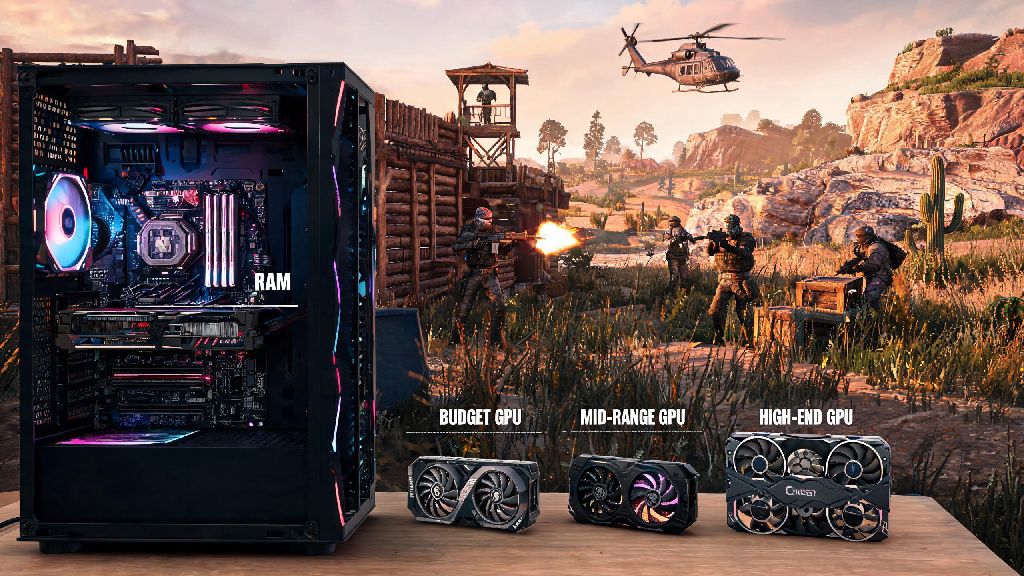
If you’ve ever sat through a 10-minute Rust server load only to get kicked mid-raid because your game froze, you know how frustrating poor hardware performance can be. I’ve been playing Rust on and off for 6 years, and I’ve upgraded my RAM three times just to keep up with the game’s growing demands. The survival game is infamous for its steep hardware demands, thanks to its massive open worlds, dense player bases on popular servers, and constant asset loading as you explore new biomes. One of the most common questions new and returning players ask is how much RAM to play Rust without running into constant performance issues. Most people assume a fancy GPU is all you need, but RAM is often the unsung hero that prevents stutters, cuts load times, and keeps your game running smoothly even during chaotic 50-player PvP fights.
How Much RAM to Play Rust: Minimum, Recommended, and High-End Specs
If you’re still unsure how much RAM to play Rust for your specific setup, start by looking at what servers you play most often. Different playstyles and server types have vastly different memory requirements, so there’s no one-size-fits-all answer for every player. We’ve broken down the most common tiers based on thousands of player reports and official game developer recommendations.
8GB of RAM is the absolute minimum to run Rust, but you’ll have to close all background apps, turn texture settings down to low, and you’ll still experience frequent stutters when moving between biomes or loading into large servers. You also won’t be able to join any modded servers at all with 8GB, as most modded server assets push the game’s memory requirements well past that limit.
16GB of RAM will let you run vanilla Rust on medium to high settings, with Discord, a browser tab for game guides, and a music app open in the background without issues. This is the sweet spot for 90% of casual players who only play official or lightly modded vanilla servers with friends. I ran 16GB for 3 years, and I never ran into performance issues unless I joined a server with extra custom content.
32GB of RAM is non-negotiable if you play heavily modded Rust servers, especially ones with custom assets, 100+ player counts, or extra gameplay mods that add new items, biomes, or mechanics. This tier is also ideal for streamers who run recording software, chat bots, and other apps alongside Rust. It also future-proofs your setup for future game updates that add new map areas and features.
Why Rust Uses So Much RAM Compared to Other Games
If you’ve ever wondered why you need so much more RAM to play Rust than similar games like DayZ or Ark, this constant asset loading is the main reason. Rust loads almost all map assets into your RAM as you play, so you don’t get jarring pop-ins as you move across the 3.5km x 3.5km map. Unlike linear story games that load small sections of the world at a time, Rust’s open world means the game is constantly pulling new textures, player models, and building data into memory, especially when you’re near large player-built bases or crowded monuments.
Rust’s unoptimized asset loading system is the biggest reason it uses far more RAM than most other open-world survival games, even ones with larger map sizes. The game’s developers have prioritized new content updates over performance optimization for years, so memory usage has steadily climbed with every major patch. Server-side data also adds to the load: every player’s inventory, building status, and even in-game voice chat data is temporarily stored in your RAM while you’re connected, so busier servers will always use more memory.
RAM speed also plays a small role in overall performance, but it’s far less important than total capacity. You’ll see a bigger performance jump going from 8GB to 16GB of DDR4 2666MHz RAM than you will going from 16GB of 2666MHz to 16GB of 4000MHz RAM, so prioritize capacity first if you’re on a budget.
Signs You Don’t Have Enough RAM for Rust
You don’t have to run a fancy benchmark to tell if your RAM is holding back your Rust experience. Most players notice obvious red flags during regular gameplay that point to insufficient memory. These signs are almost always tied to not having enough RAM to play Rust at the settings you’re using, even if your CPU and GPU meet the game’s recommended specs.
If you experience 2 or more of these issues regularly, upgrading your RAM is one of the cheapest and most effective fixes you can make for your Rust setup. I’ve helped dozens of friends fix their Rust performance issues just by upgrading from 8GB to 16GB of RAM, even if they had older GPUs that were only meeting minimum specs. It’s that impactful.
Extra Tips to Optimize RAM Usage for Rust Without Upgrading
If you can’t upgrade your RAM right away, there are a few simple tweaks you can make to cut down Rust’s RAM usage and get smoother performance with the hardware you already have. These small tweaks can make a huge difference in how well the game runs if you don’t have enough RAM to play Rust at default settings.
First, close all unnecessary background apps before you launch the game. That includes extra browser tabs, streaming apps, photo editors, and even game launchers you aren’t using for Rust. Even a single open Chrome tab can use 1-2GB of RAM, so closing those first can free up a lot of space for the game.
Second, turn down your texture quality settings in the Rust menu. High resolution textures are one of the biggest RAM hogs, and dropping them from ultra to medium will barely impact visual quality but cut RAM usage by 20-30% in most cases. You can also turn off shadow quality and anti-aliasing if you still notice stutters after lowering textures.
You can also enable the “Texture Streaming” option in the Rust settings menu to load only the assets you’re near into memory, instead of trying to load the entire map at once. This is a game-changer for players with 8GB of RAM who want to play vanilla servers without constant crashes. But keep in mind this can cause minor texture pop-ins as you move quickly across the map, which is a small tradeoff for stable performance. You should also avoid joining heavily modded servers entirely if you have less than 16GB of RAM, as they will almost always crash no matter what settings you use.
At the end of the day, the answer for how much RAM to play Rust depends entirely on your playstyle and what kind of servers you prefer. If you only play casual vanilla servers with friends, 16GB will give you all the performance you need for years to come. If you’re a heavy modded player or stream your gameplay, 32GB will future-proof your setup and prevent you from running into performance issues as the game gets updated with new content. You don’t need to splurge on the fastest, most expensive RAM on the market, but making sure you have enough capacity for your playstyle is one of the best upgrades you can make for your Rust experience.