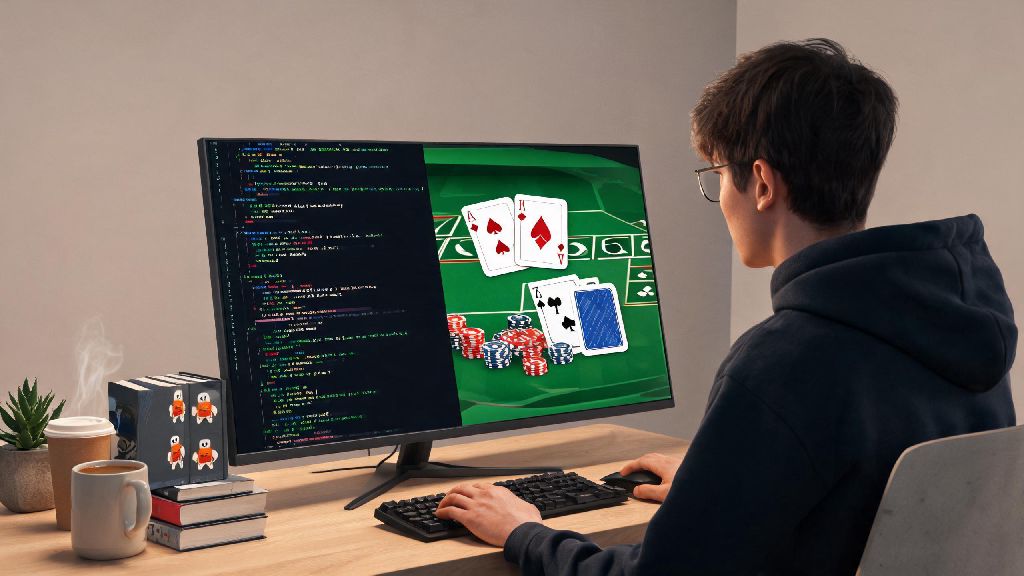
If you’ve been looking for a fun, low-stakes Rust project to practice core programming concepts without building yet another to-do list, learning how to play blackjack rust (by coding your own version of the game) is one of the best options out there. It combines simple logic, user interaction, and basic error handling to help you get comfortable with Rust’s syntax and ownership rules without feeling overwhelming. I built my first Rust blackjack game three months into learning the language, and it helped me nail down concepts I’d struggled with through theoretical lessons alone. You don’t need advanced Rust experience to pull this off, either – all you need is a working Rust installation and 90 minutes of free time.
Core Rules to Reference When Coding How to Play Blackjack in Rust
You don’t have to be a seasoned casino player to build this game, but you do need to know the core rules to code the logic correctly. I’ve simplified the most important rules you’ll need to include to make a functional playable version, no fancy side bets or complex casino variations required. This basic structure forms the foundation of any functional implementation of how to play blackjack in Rust, so take your time to get it right.
We’ll stick to these rules for our build to keep the code simple and easy to debug. You can always add more features like betting, splitting hands, or doubling down later once you have the core game working.
Step 1: Set Up Your Rust Project and Core Data Structures
First, open your terminal and run cargo new rust-blackjack to create a new Rust project, then cd into the project folder. You won’t need any external crates for the basic version, which means you can focus entirely on writing native Rust code without learning new dependencies first.
The first thing you’ll want to code is your core data structures to represent cards, hands, and the deck. Use an enum for Suit (hearts, diamonds, clubs, spades) and an enum for Rank to represent card values. You can then create a Card struct that combines a Suit and a Rank, and implement a method to calculate the value of each card.
Don’t forget to implement a method to calculate the total value of a hand, with logic to handle Ace values correctly. This is the part most new Rust developers trip up on first – you’ll need to count all Aces as 11 first, then subtract 10 for each Ace if the total goes over 21, until the total is under 21 or you run out of Aces to adjust. Test this logic separately before moving on to game flow, because a broken hand value calculator will break your entire game later.
Step 2: Build the Game Loop and User Interaction
Once your card and deck logic works, you can move on to the main game loop. The loop will run for each round of blackjack, starting with shuffling the deck, dealing two cards to the player and two to the dealer (one of the dealer’s cards will be hidden from the player at first). This flow matches exactly how you’d experience how to play blackjack rust in a real casual game, so it feels familiar to anyone who has played the card game before.
Next, you’ll need to handle user input for their turn. Use Rust’s standard input library to read user responses when they’re asked if they want to hit or stand. Make sure to add error handling for invalid inputs – if a user types something that’s not “hit” or “stand”, your game should prompt them again instead of crashing. You don’t need to make the input case-sensitive, so accept “Hit”, “HIT”, “h” or any variation to make the game more user-friendly.
After the player stands or busts, it’s the dealer’s turn. Most standard blackjack rules say the dealer must hit if their hand value is 16 or lower, and stand if it’s 17 or higher – we’ll stick to that rule for simplicity. Once the dealer’s turn is over, compare the player’s hand value to the dealer’s to determine the winner.
Common Mistakes to Avoid With Your Rust Blackjack Game
I made a handful of silly mistakes when I built my first Rust blackjack game, so I’ve listed the most common ones to help you skip the hours of debugging I went through. The first mistake is forgetting to handle ownership rules when passing hands or deck values between functions – Rust’s borrow checker will throw errors if you try to modify a value you don’t have ownership of, so make sure to use references or clones where appropriate.
Another common mistake is not shuffling the deck properly between rounds. If you reuse the same unshuffled deck every round, players will be able to predict which cards are coming next, which breaks the game entirely. Use Rust’s rand crate if you want a more secure shuffle, or use the standard library’s random number generator for a basic version. If you plan to share your game with others, the rand crate is the more reliable choice to avoid predictable card draws.
Finally, don’t overcomplicate your first build. It’s tempting to add all sorts of extra features like betting systems, multiplayer support, or a graphical interface right away, but you’ll have a much easier time if you get the core game working first. Once you have a playable minimum viable product, you can iterate and add as many extra features as you want without breaking the core functionality. I added a simple betting system and score tracker to my game two weeks after I finished the basic version, and it only took a couple of hours of extra work.
Building your own version is one of the most fun, practical ways to learn how to play blackjack rust while sharpening your Rust coding skills at the same time. Even if you never play real blackjack, the logic you build for this project translates to dozens of other real-world Rust use cases, from state machines to user-facing command line tools. Once you finish your first build, try challenging yourself to add new features to make the game your own – you might be surprised at how much you learn in the process.